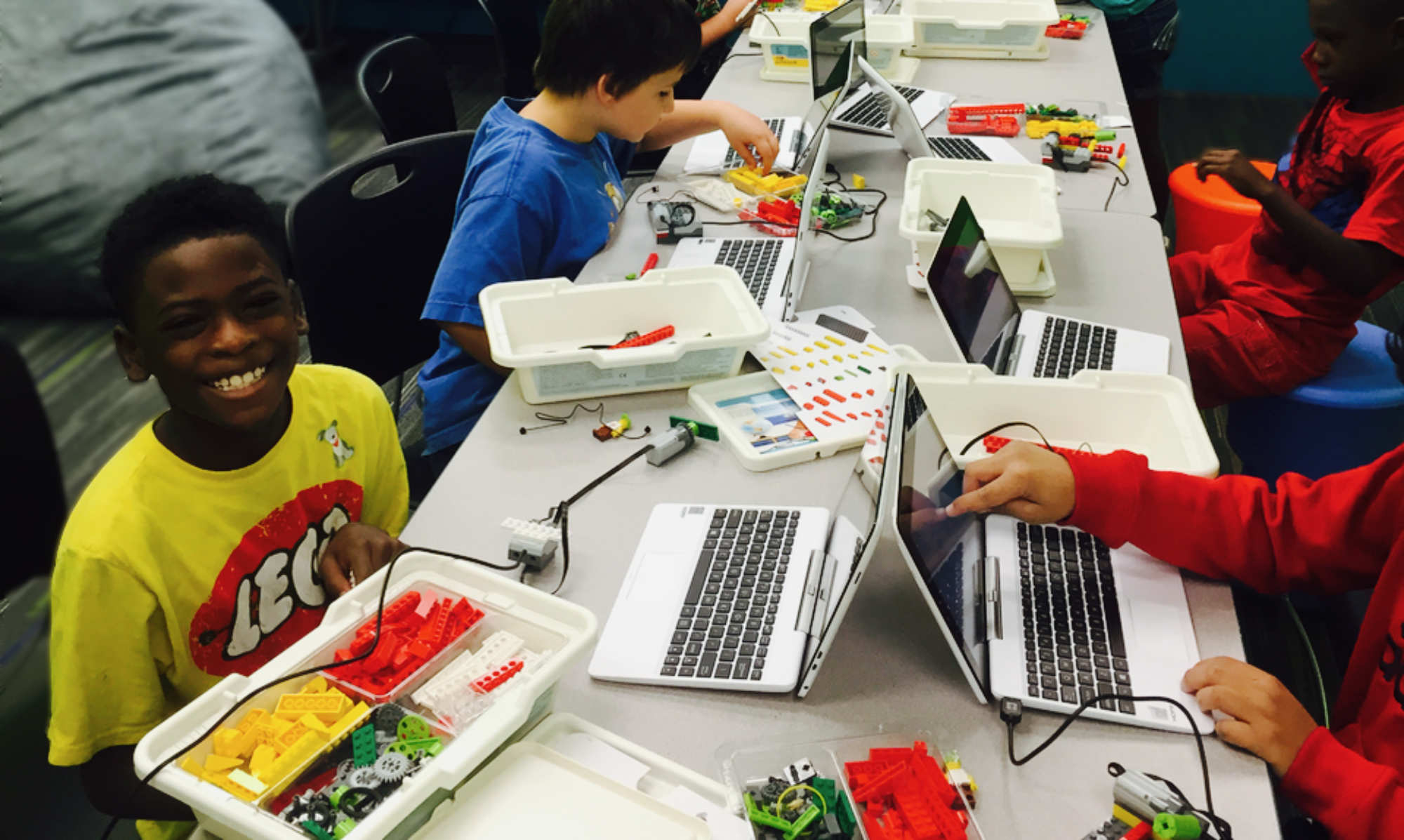


Welcome to the landing page for Gigalearn’s Brecksville-Broadview Heights Elementary Out of School Time classes! We’re so excited to continue our partnership.
If you have any questions or concerns, please reach out to Sarah:
call or text 216.245.9620 or email skepple@gigalearnit.com
🐝2026 🦃FALL Session 2 🎅🏼GameBOT Classes
This quarter, students in Grades 2-5 may sign up for either the Tuesday or Friday session.
Wanna make video games? Love building with LEGO® bricks? This club is for you. Learn how to create video games using Scratch, free software from MIT that you can use at home long after the class. Then, we’ll bring the action to life as we build and program LEGO® mini robots. If you’ve taken this course before, don’t worry! We explore different themes and make different games and robots each time. Parents, after registering your child, please update PikMyKid, and read the Scratch Account message highlighted in red below.
Grades 2-5
6 Tuesdays:
3:45-4:45pm
Nov 3
Nov 10
Nov 17
Dec 1
Dec 8
Dec 15
$150
Grades 2-5
6 Fridays
3:45-4:45pm
Nov 6
Nov 13
Nov 20
Dec 4
Dec 11
Dec 18
$150
After Registering
Make sure to switch your PikMyKid setting.
Students meet at the big stairs after school at 3:30.
Class is 3:45-4:45.
We’ll bring students out to the pickup area at 4:45pm.
Need to contact us? Call or Text Sarah at 216-245-9620 or email at skepple@gigalearnit.com
🐝2026 🍁FALL Session 1🍁 GameBOT Classes
Tuesday
Grades 2-5
6 Tuesdays
3:45-4:45pm
Sept 15
Sept 22
Sept 29
Oct 6
Oct 13
Oct 20
Friday
Grades 2-5
6 Fridays
3:45-4:45pm
Sept 11
Sept 18
Sept 25
Oct 2Oct 9 (NEOEA DAY- No School)
Oct 16Oct 23 (Records Day- No School)
Oct 30
Scratch Account
Scratch is free software from MIT designed to help students learn to code. The online version allows students to share projects and ideas and learn from each other. A recent change in Ohio law requires schools to get permission from parents for students to use online software with this type of communication function. Due to this requirement, many schools have blocked Scratch on their networks and Chromebooks.
When this is the case, we use an offline version of Scratch in class. This offline version is also free for you to download.
To save your child’s game you may either:
1. Send in a flash drive. Download the offline version of Scratch to a non-school computer at home.
2. Create a free online Scratch account for your child and send us the login to upload their game to their cloud account from our office. They will be able to access it from any non-school computer with internet.
A parent letter explaining both options with instructions is available here: https://www.gigalearnit.com/wp-content/uploads/2023/10/Scratch-Instructions-Updated.pdf
Learn more to help make an informed decision here: https://scratch.mit.edu/parents
If you wish to have us upload their game, please submit their username and password below.